

01
Install Cheetah
Grab the free Mac App Store build, or join TestFlight for packages valid 90 days.
NewLightweight VMs on Apple’s Virtualization.framework
A lightweight virtual machine manager for macOS. Create macOS 12+ and ARM Linux guests, share folders, bridge the network, or run headless — with a small, focused installer.
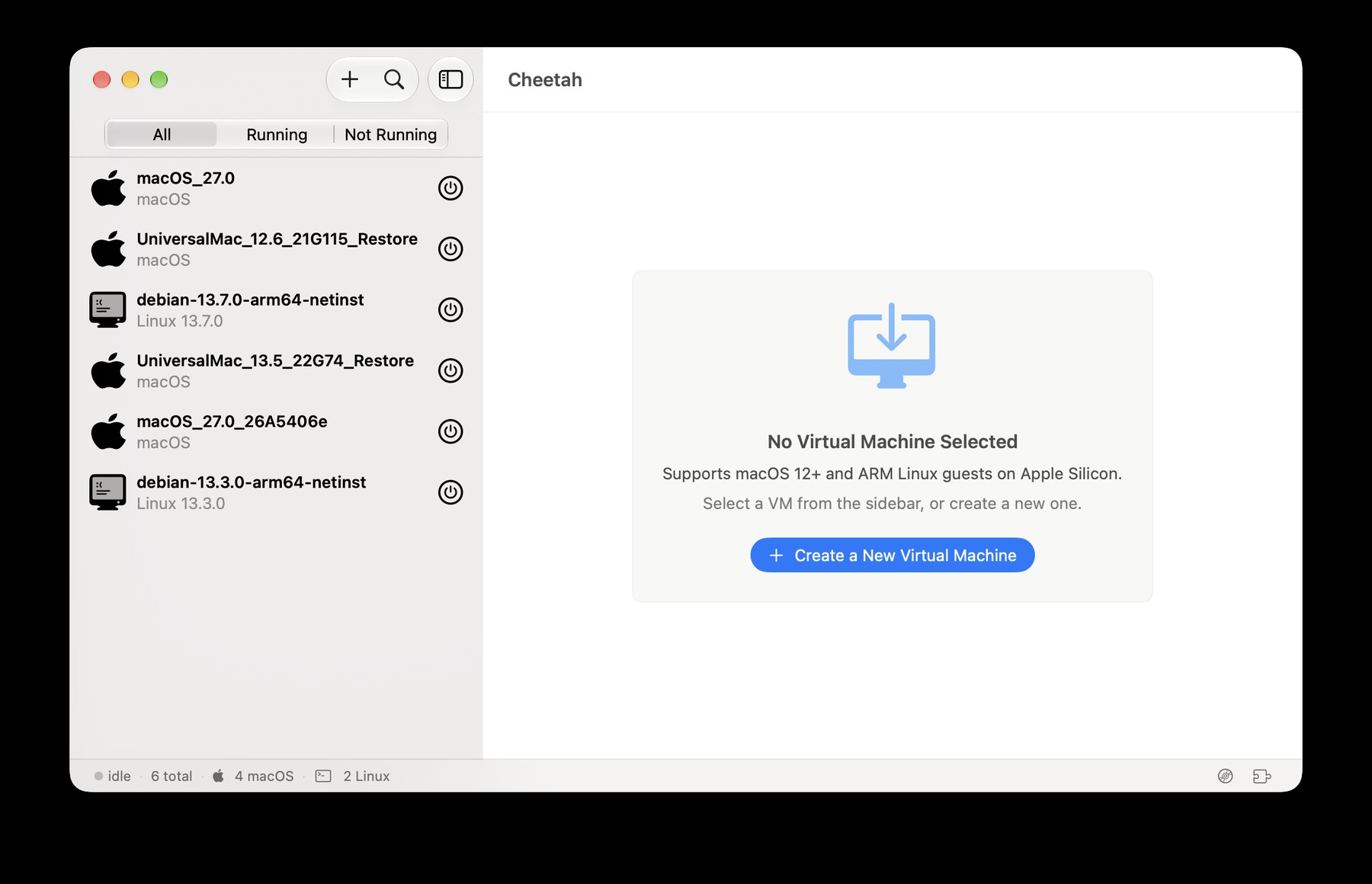
Real screenshots from Cheetah — create a VM, boot macOS or Linux guests, and run multiple instances side by side.
Creating a VM is straightforward — select from the sidebar or start a new instance.
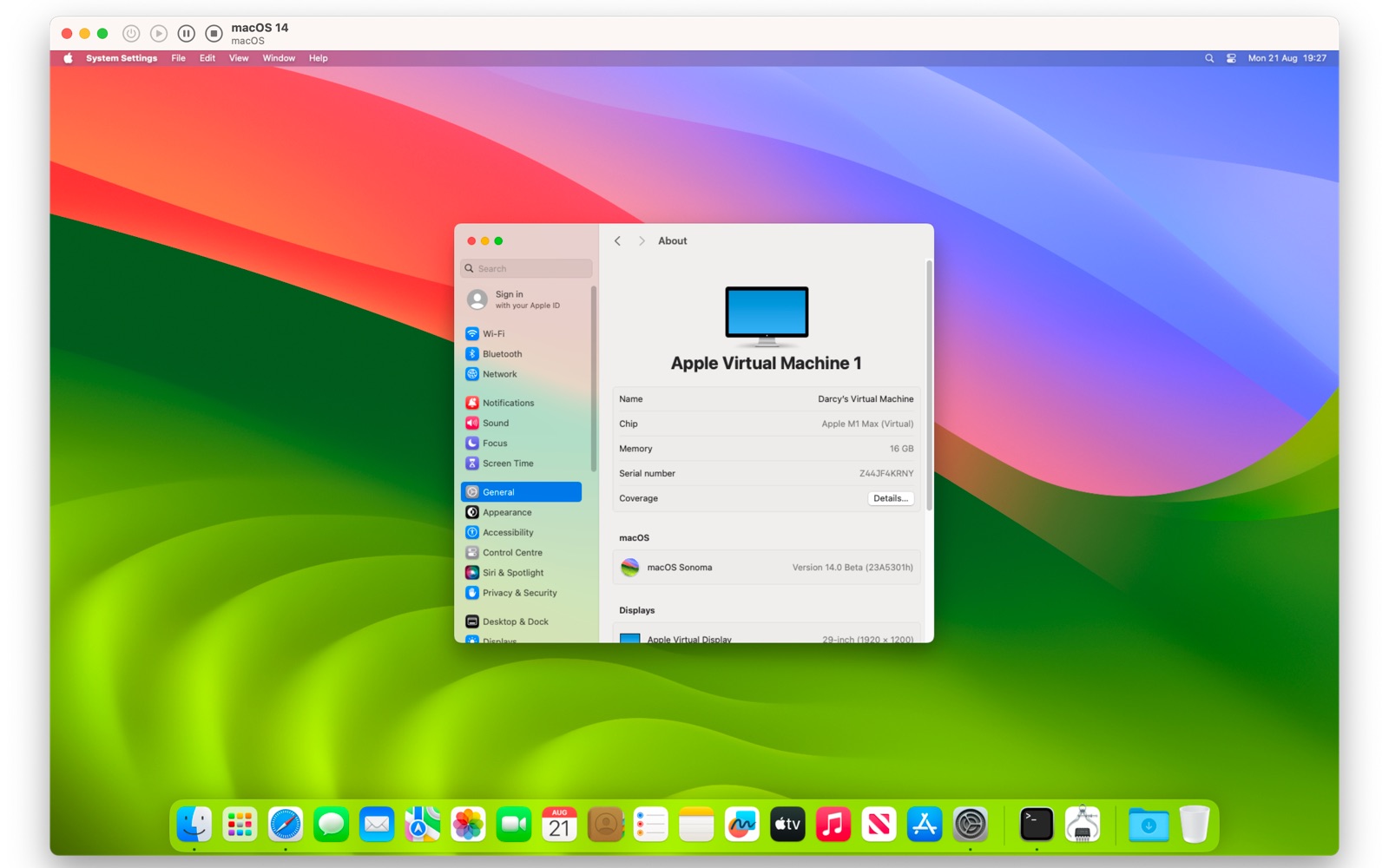
Run macOS 12+ as a guest on Apple silicon with Virtualization.framework.
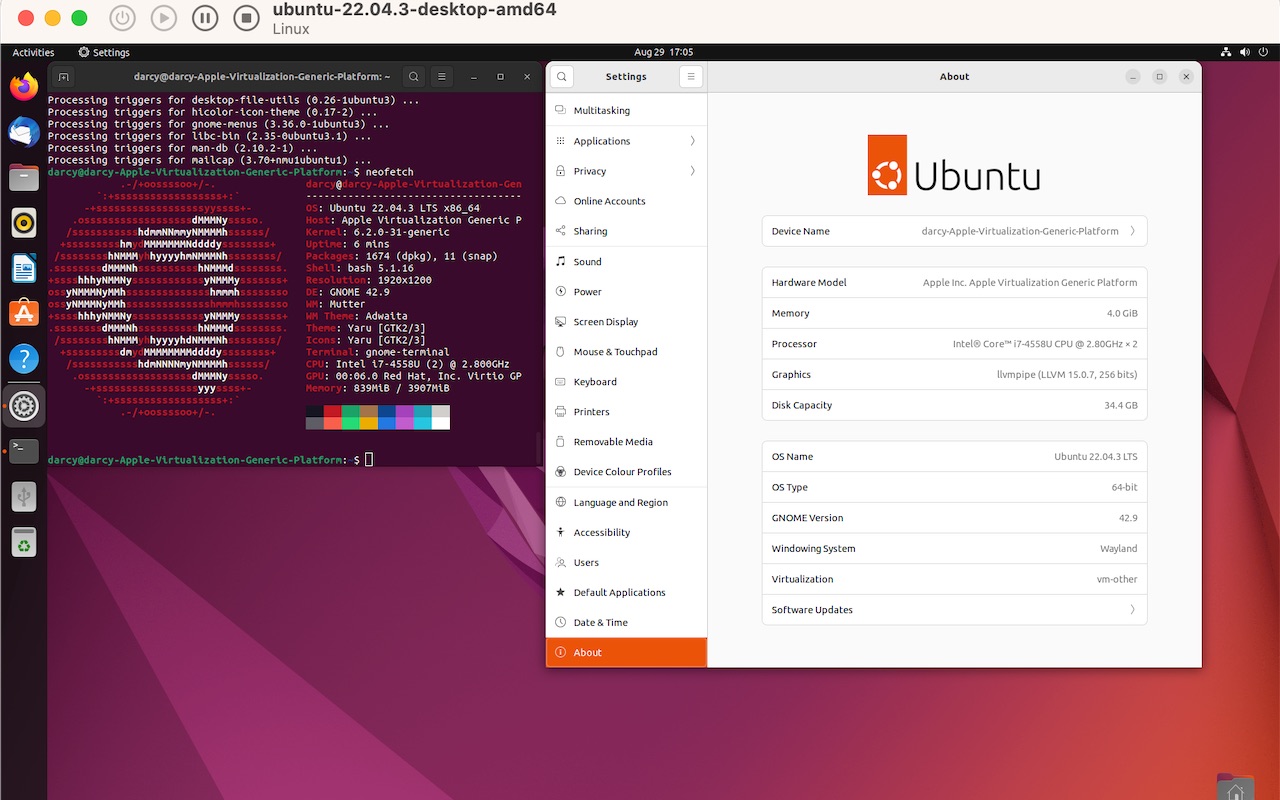
ARM Linux guests like Ubuntu run alongside your Mac workflows.
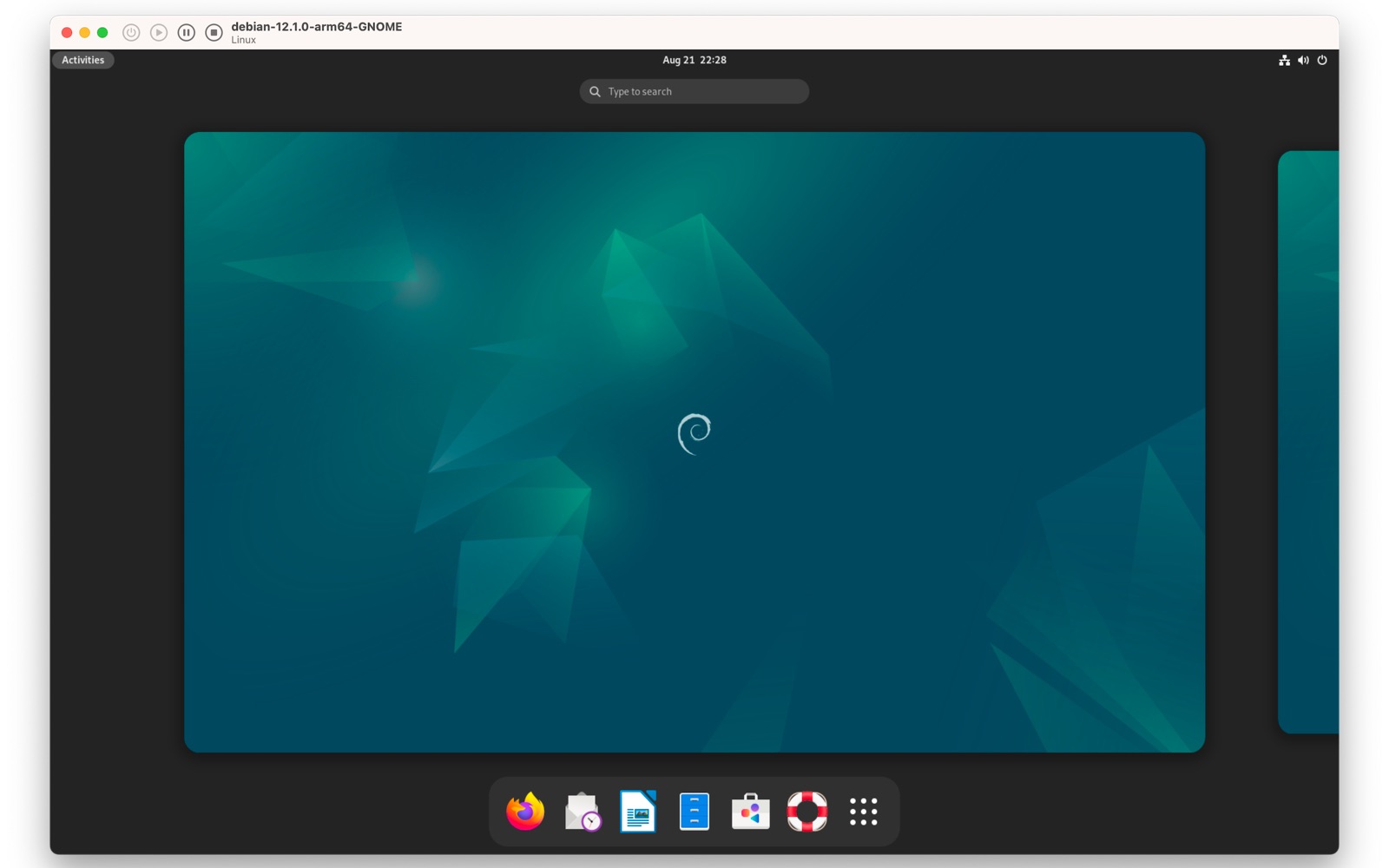
Debian and other ARM Linux distributions are supported guests.
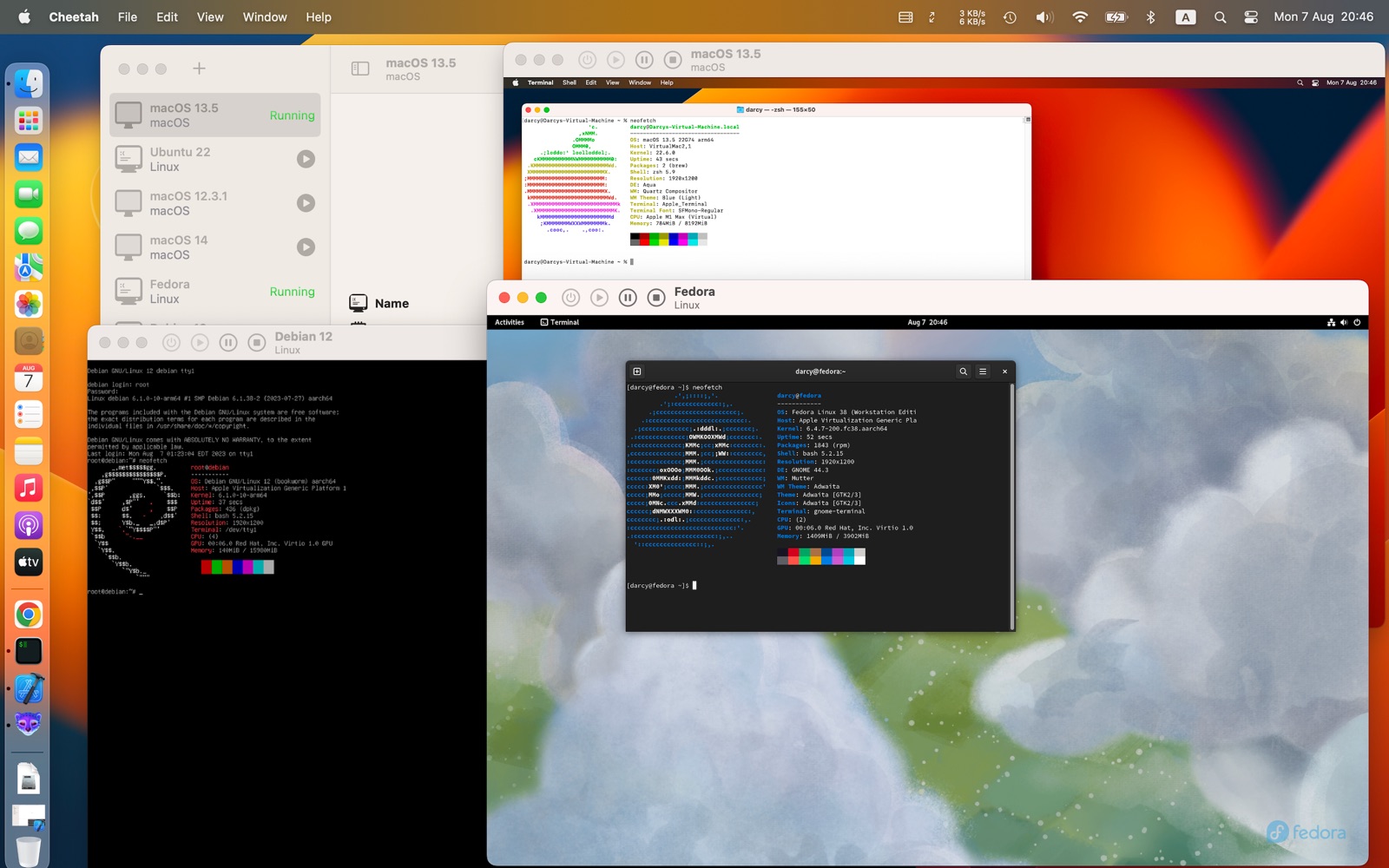
Run multiple VM instances at once — macOS and Linux side by side.
01
Grab the free Mac App Store build, or join TestFlight for packages valid 90 days.
02
Creating a new instance is straightforward — pick macOS 12+ or an ARM Linux guest.
03
Boot, configure hardware anytime, run multiple instances, or go headless when you want quiet.
A functional UI that stays out of the way — powered by Virtualization.framework.
Run several instances side by side for parallel development, testing, and sandboxes.
Pass files between host and guest. macOS 13+ guests; Linux mounts virtiofs when you need it.
Let guests appear on the same network as your Mac when seamless connectivity matters.
Cheetah stays close to Virtualization.framework so creating and managing VMs feels native.
Built on Apple’s modern virtualization API for macOS.
A focused installer and a UI that prioritizes function.
Virtual machine instances boot quickly so you stay in flow.
Adjust CPUs, memory, and more whenever the workload changes.
A quick look at where Cheetah sits next to well-known options. Cells we can’t speak to confidently are marked “—”. See features and install for Cheetah details. features · install
| Cheetah | UTM | VirtualBox | Parallels | |
|---|---|---|---|---|
| Cost | Free on Mac App Store manages two VMs | Free & open source | Free (Oracle) | Paid commercial |
| Primary stack | Apple Virtualization.framework | QEMU optional Apple Virtualization on Apple silicon | Oracle VirtualBox hypervisor | Commercial hypervisor |
| Installer size | Lightweight | — | Generally heavier | — |
| macOS guests | macOS 12+ | — | — | Supported (commercial) |
| ARM Linux guests | Yes — Debian, Fedora, Ubuntu, and others | Yes | — | — |
| Headless mode | Yes | — | Yes | — |
| Shared folders | Yes macOS 13+ guests; virtiofs on Linux | — | Yes (Guest Additions) | Yes |
| Rosetta for x86_64 Linux on Apple silicon | Yes | — | — | — |
| Bridged networking | Yes | — | Yes | Yes |
| UI focus | Lightweight, functional | Feature-rich open-source app | Traditional full desktop manager | Feature-rich commercial app |
Competitor details are limited to well-known public facts. Cheetah column uses only documented product facts.
Free on the Mac App Store with two VMs. Prefer builds still under development? Join TestFlight — each package is valid for 90 days.
 Cheetah for macOS
Mac App Store · manages two VMs
A lightweight virtual machine manager for macOS, built on Apple’s Virtualization.framework. It’s fast, configurable, simple to use, powerful enough for multiple VMs, and ships in a small installer.
The Mac App Store version is free and manages two virtual machine instances. TestFlight builds are also available for features under development; each TestFlight package is valid for 90 days.
macOS 12 and newer, plus ARM Linux distributions such as Debian, Fedora, Ubuntu, and others.
Yes. Headless mode runs a VM in the background without a graphical window — useful for servers and long-running tasks.
Mount the virtiofs share from the guest with: mount -t virtiofs com.apple.virtio-fs.automount /tmp/mountpoint. Shared directories in macOS VMs need macOS 13 or newer.
Enable Rosetta in Settings, mount the shared directory, and register Rosetta to run x86_64 Linux binaries under ARM Linux.
See features, install, guest OS, and privacy docs. Need help? Visit the Support page.